Nothing Theme
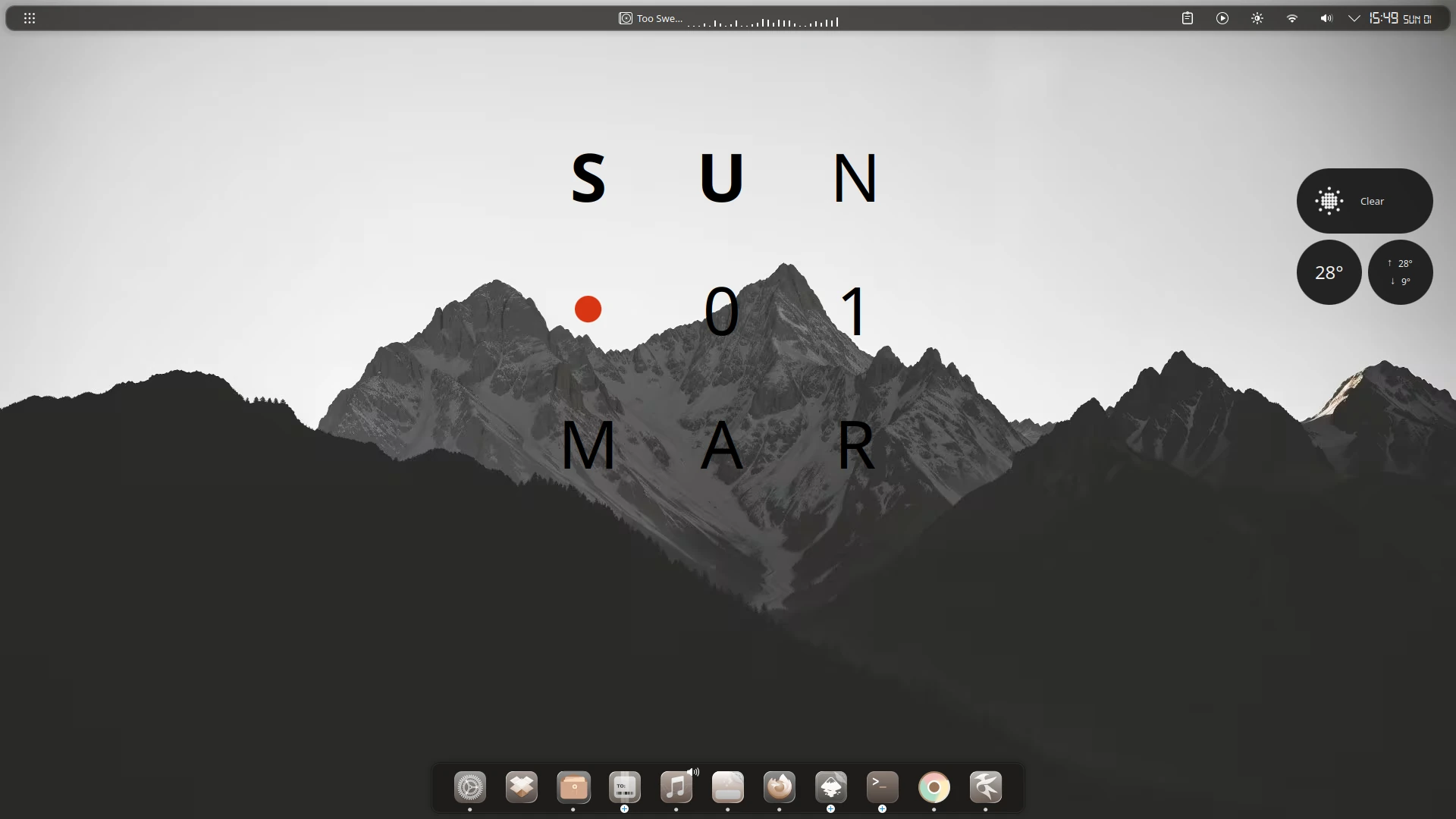
I’m a huge fan of the Nothing OS design language. Jomada managed to achieve a similar look some time ago, but I believe this tutorial will help take the Nothing-themed customization even further.
Prerequisites
Before starting, make sure you have kpackagetool6, cava, qt6-websockets-dev, and python3-websockets installed. You can install them according to your distribution:
- Ubuntu and derivatives:
sudo apt install kpackagetool6 cava qt6-websockets-dev python3-websockets - Arch Linux and derivatives:
sudo pacman -Syu kpackage cava qt6-websockets python-websockets - Fedora:
sudo dnf install kpackage cava qt6-qtwebsockets-devel python-websockets - openSUSE:
sudo zypper install kpackage cava qt6-websockets-imports python3-websockets
Most of the installation will be done from the terminal. Open one and make sure you are in your home directory by running:
cd
Now download the themes and plasmoids we will use:
wget https://github.com/zayronxio/Librepixels.Page.cdn/releases/download/NothingTheme/nothingThemes.tar.xz
Extract the archive:
tar -xJf nothingThemes.tar.xz
Make sure the target directories exist:
mkdir -p ~/.local/share/{icons,aurorae/themes,color-schemes} ~/.fonts
Enter the directory containing the themes:
cd nothingThemes
Install the Plasma theme (Darkly Glassy):
kpackagetool6 -t Plasma/Theme -i Darkly.Glassy.tar.xz && rm Darkly.Glassy.tar.xz
Install the Aurorae window decoration theme:
tar -xJf Nothing.tar.xz -C $HOME/.local/share/aurorae/themes && rm Nothing.tar.xz
Install the color scheme:
tar -xJf NothingALT.tar.xz -C $HOME/.local/share/color-schemes && rm NothingALT.tar.xz
Install the icon theme:
tar -xJf int_clay.tar.xz -C $HOME/.local/share/icons && rm int_clay.tar.xz
Install the font:
tar -xJf digital_7.tar.xz -C $HOME/.fonts && rm digital_7.tar.xz
Install the 4 plasmoids:
kpackagetool6 -t Plasma/Applet -i weather-2.0.plasmoid && rm weather-2.0.plasmoid
kpackagetool6 -t Plasma/Applet -i htmlclock-2.1.0.plasmoid && rm htmlclock-2.1.0.plasmoid
kpackagetool6 -t Plasma/Applet -i Kurve-v3.4.0.plasmoid && rm Kurve-v3.4.0.plasmoid
kpackagetool6 -t Plasma/Applet -i zayron.almanac.V2.tar.xz && rm zayron.almanac.V2.tar.xz
Run the following command to verify that all plasmoids have been installed correctly. This step is very important — retry the process if any are missing:
- Nothing Weather
- htmlclock
- kurve
- almanac.V2
kpackagetool6 -t Plasma/Applet --list
Desktop configuration
Manually configuring all the elements across each KDE Plasma panel can be very time-consuming. Instead, we will use plasma-interactiveconsole to run a JS script that does it all automatically. Open the console with this command:
plasma-interactiveconsole
In the console window, click Open and look for the file scriptFullConfigs inside the nothingThemes directory in your home folder. Its contents will load automatically. Feel free to review the code if you wish. Keep in mind that running it will erase your current panel configuration and replace it with the theme’s layout.
Important: do not run this script unless you have confirmed that all plasmoids are installed. If any are missing, the process will be interrupted and you may end up with no panels.
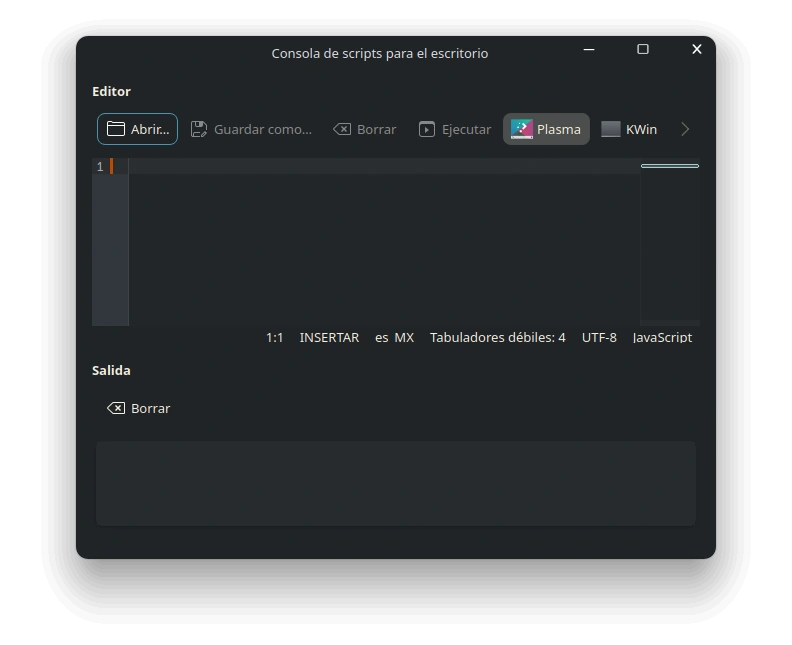
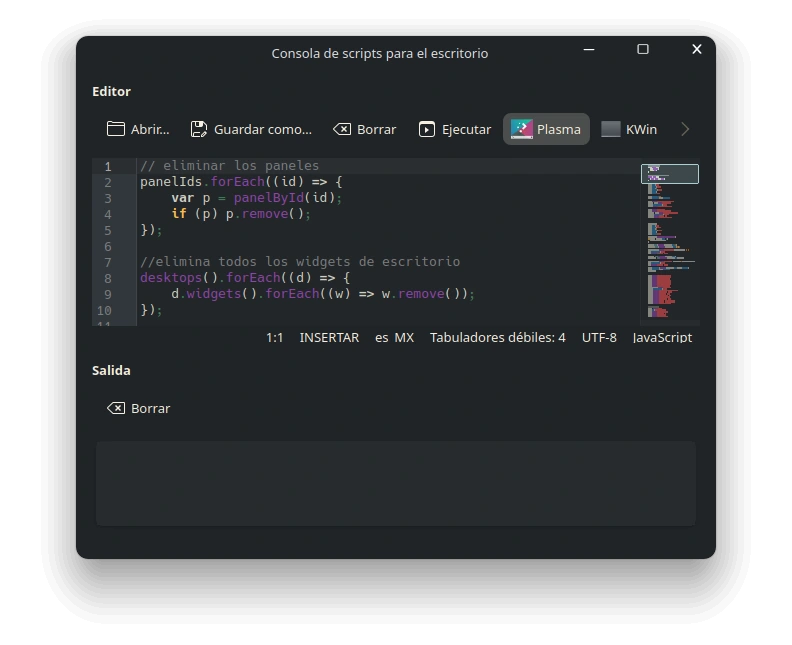
Once executed, your panels and widgets will be configured automatically.
Applying themes, colors, icons, and Aurorae
First, let’s configure things from the terminal.
Apply the Plasma theme and color scheme:
plasma-apply-desktoptheme Darkly.Glassy && plasma-apply-colorscheme NothingALT
Open the KDE Plasma System Settings:
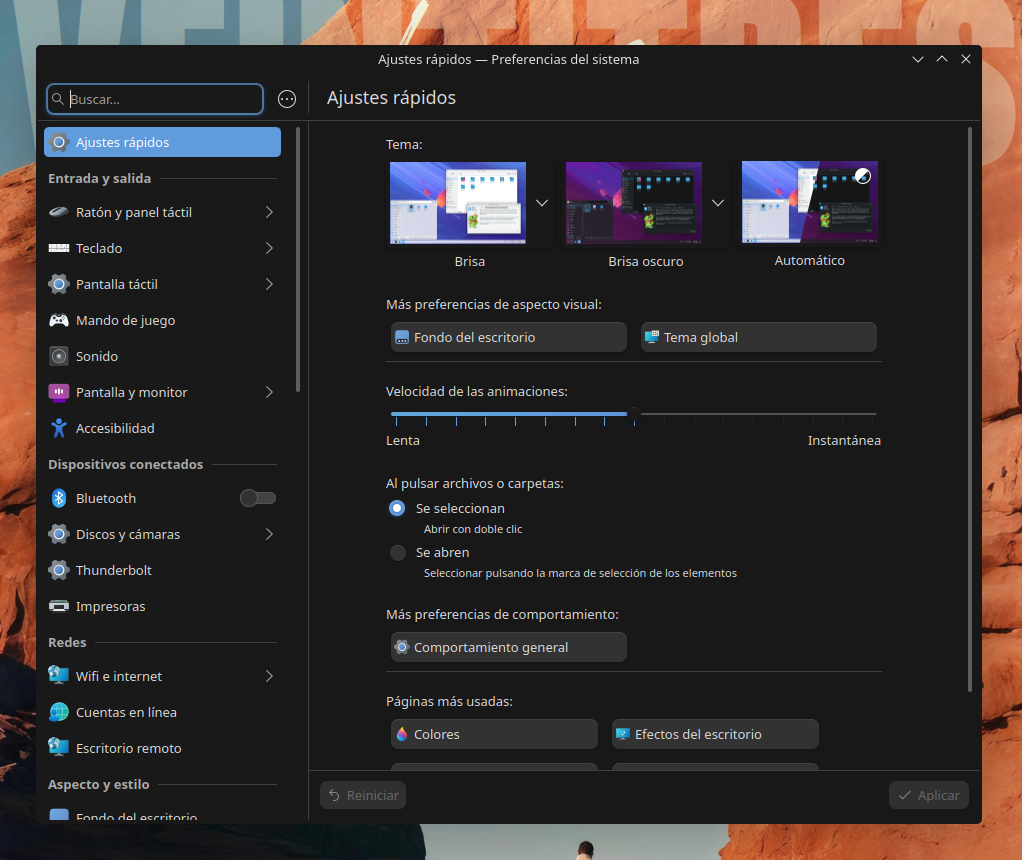
In the left panel, go to “Colors & Themes”. Under the Window Decorations subsection, select “Nothing”, and under the Icons subsection, select “int_clay”.
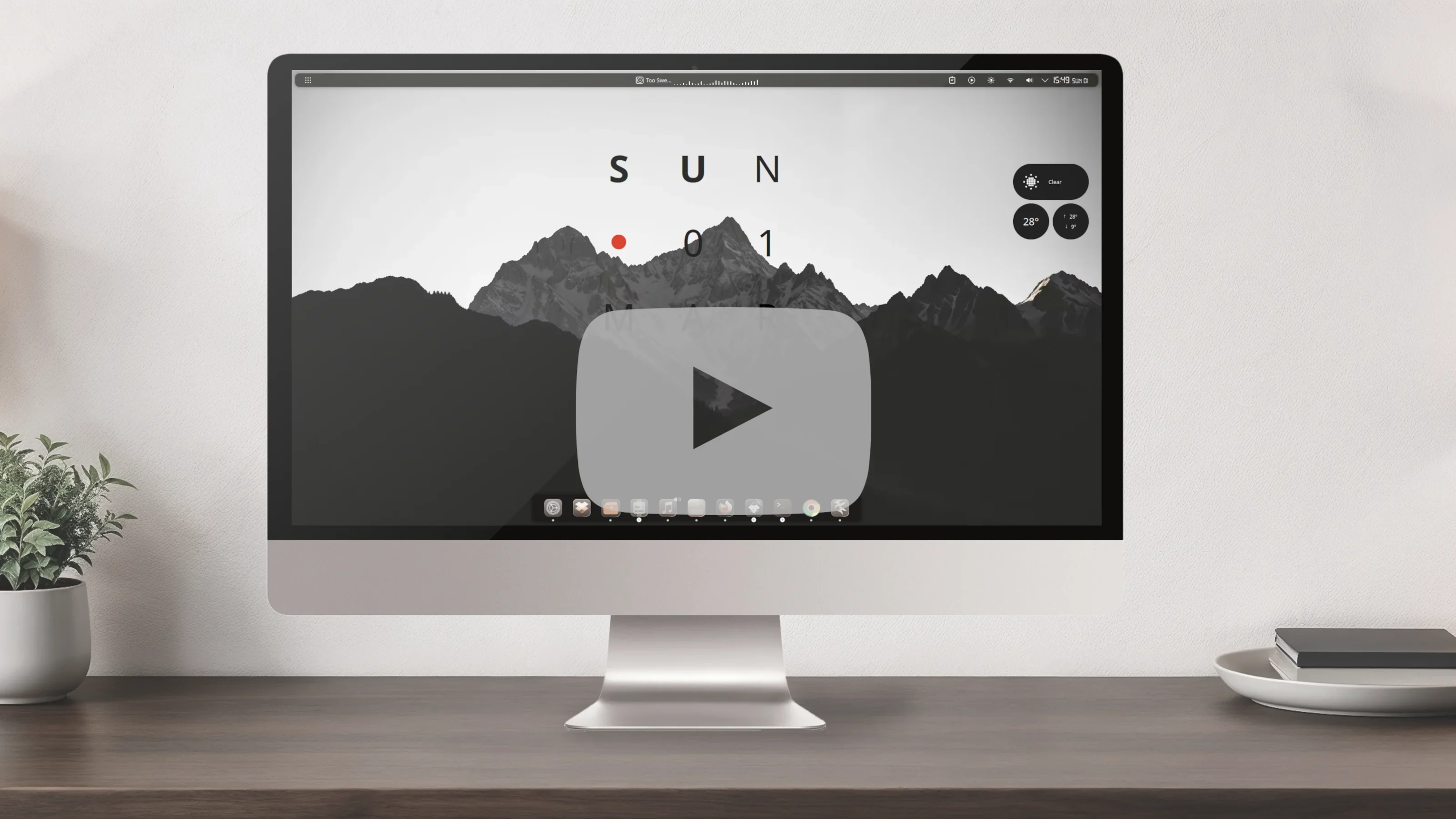
At this point your desktop should look very similar to the screenshot at the top of this post. The only thing left is the wallpaper, which you can download here:
Credits
Jomada for the Aurorae theme: Nothing
jaxparrow07 for the weather plasmoid: Nothing OS Weather
verismei for the icon theme: Clay Glaze
Comentarios