FastVisor Image Viewer, Installation
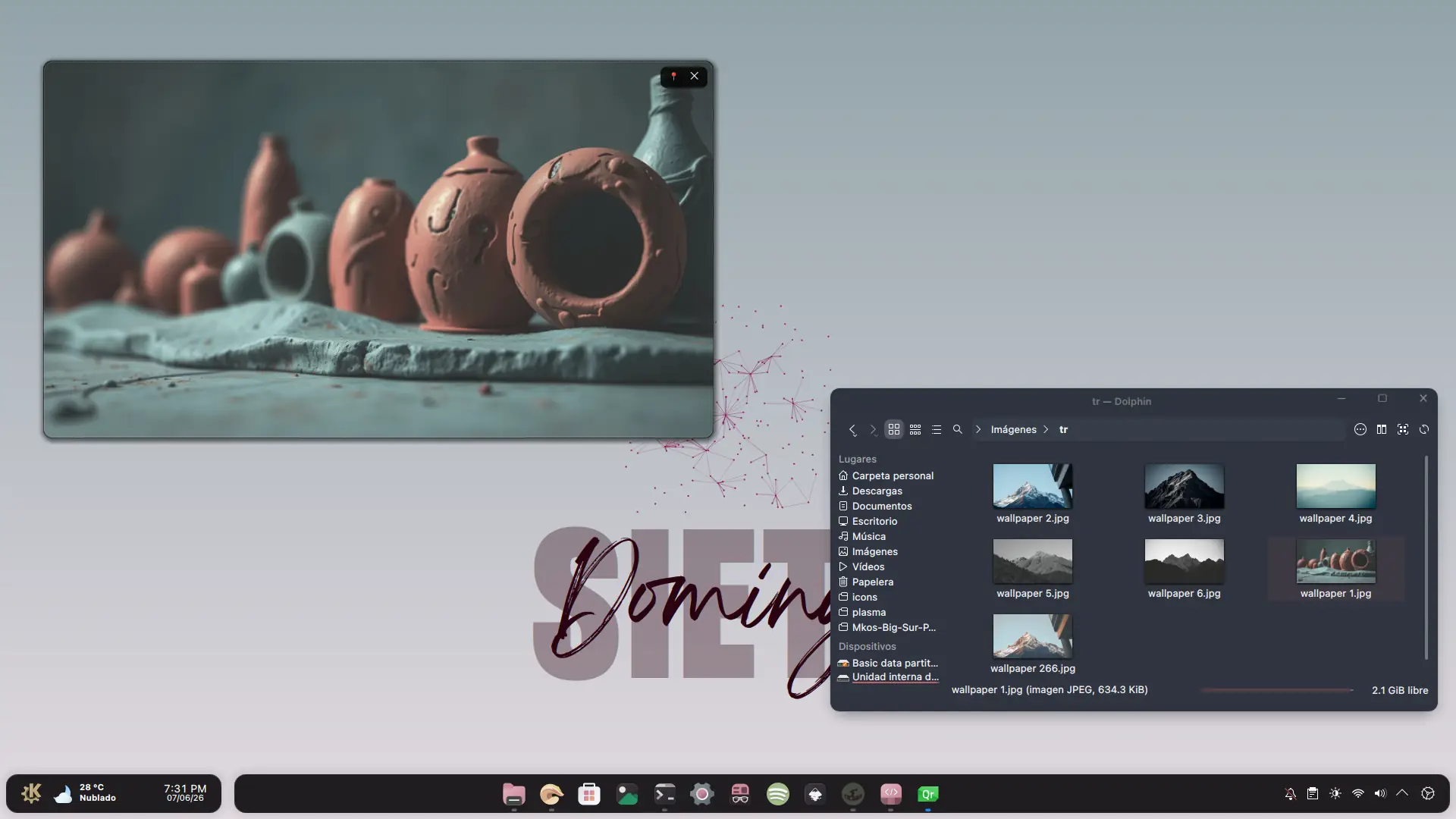
In this tutorial I will show you how to install a simple frameless image viewer for a cleaner aesthetic. The KDE image viewer is perfect in almost every way, but I personally prefer a frameless viewer with rounded corners.
Prerequisites
The requirements this time are minimal: having KDE Plasma 6.x installed. The script or mini-program only requires QML, and QML6 is always installed alongside KDE Plasma.
Download and Installation
Open a terminal and make sure you are in your home directory. The entire process is done from here:
cd ~
Download and extract the files in a single step:
wget -qO- https://github.com/zayronxio/fastVisor/archive/refs/tags/beta.tar.gz | tar -xz
Create the necessary directories if they do not exist:
mkdir -p ~/.local/share/kio/servicemenus
Enter the downloaded directory:
cd ~/fastVisor-beta
Run the shell script:
bash instalar.sh
Usage
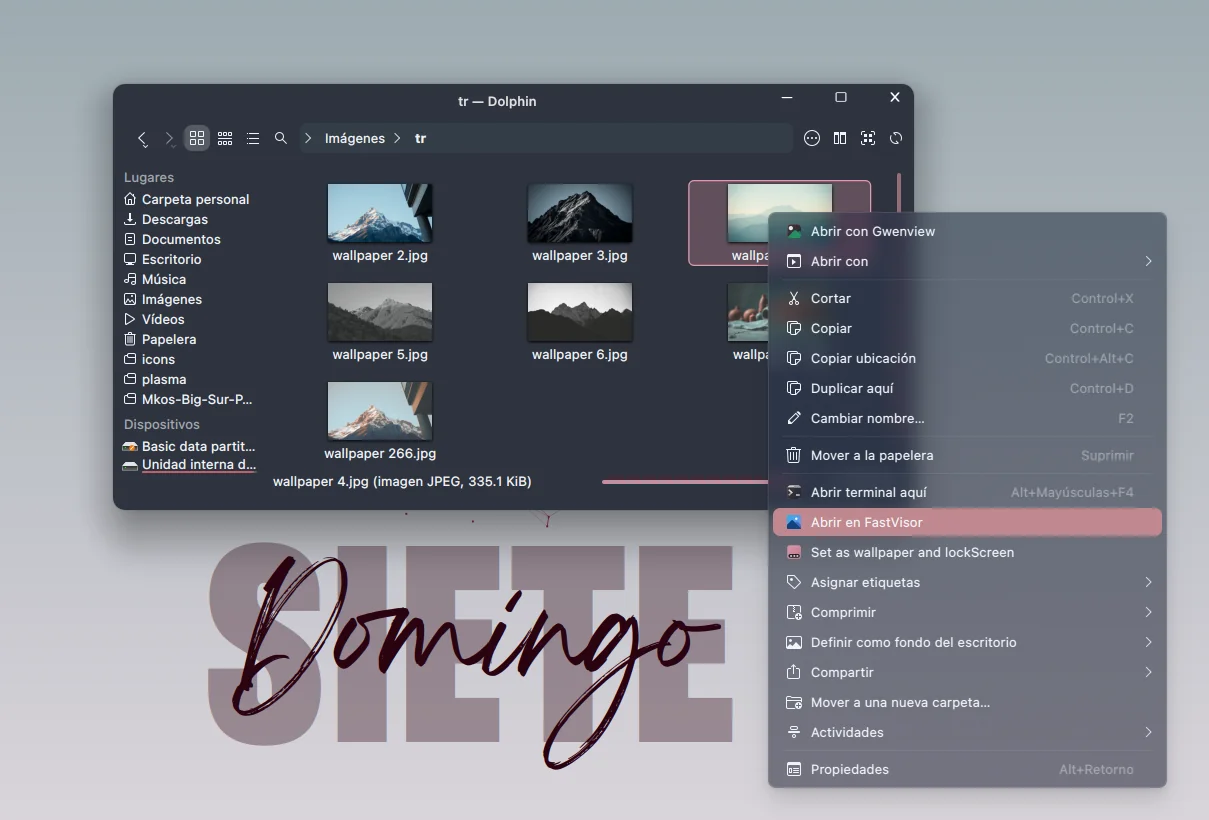
All that remains is to open Dolphin — you will now notice that in the right-click context menu on images, “fastVisor” appears. This lets you use the fast and simple viewer.
Comentarios